Money kept
is money made.
Shoot on AI models.
Preview new products on models in minutes — no shoot to book, no wait.
Four quick steps: your store, your products, who wears them, your shot.
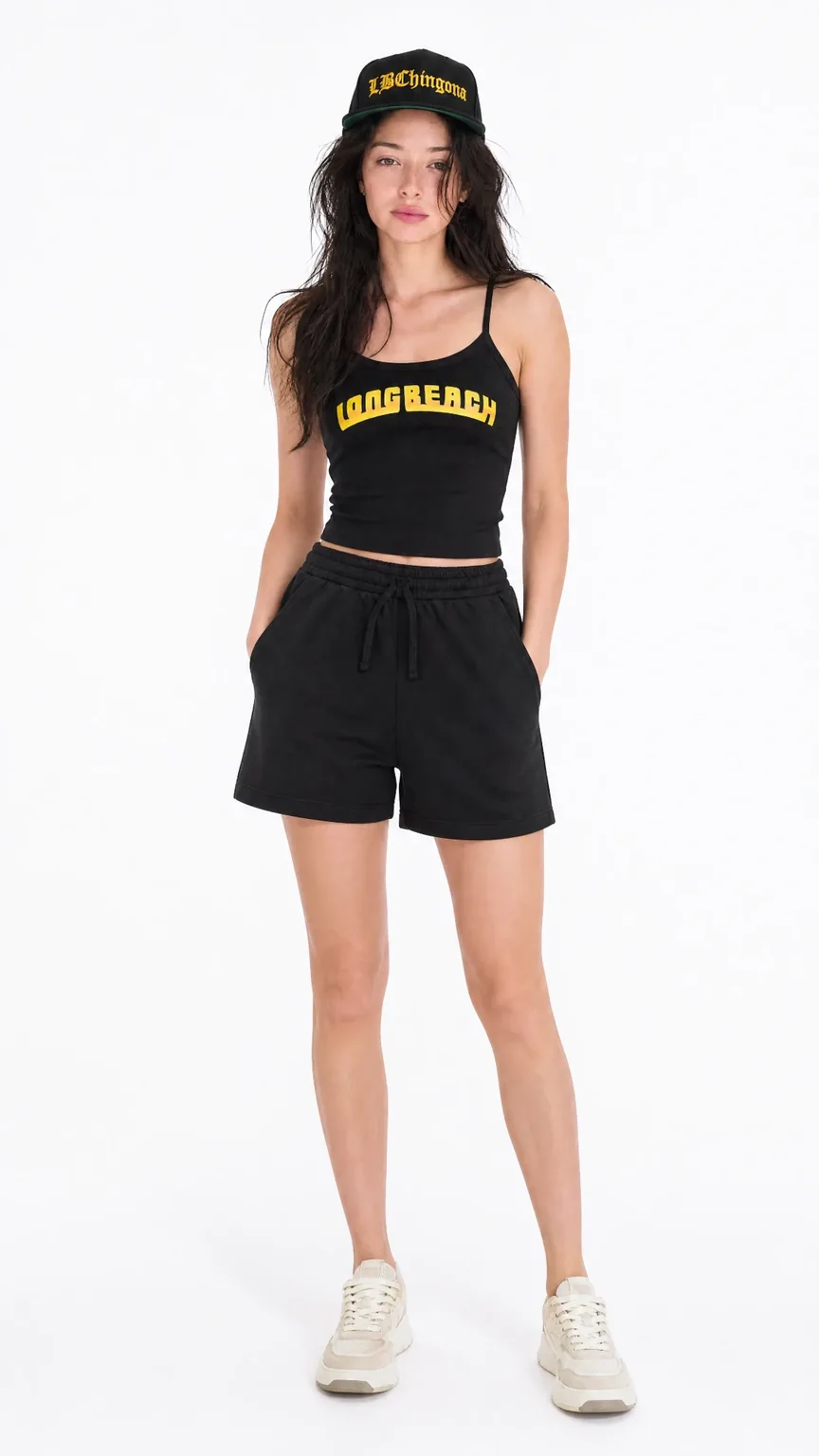
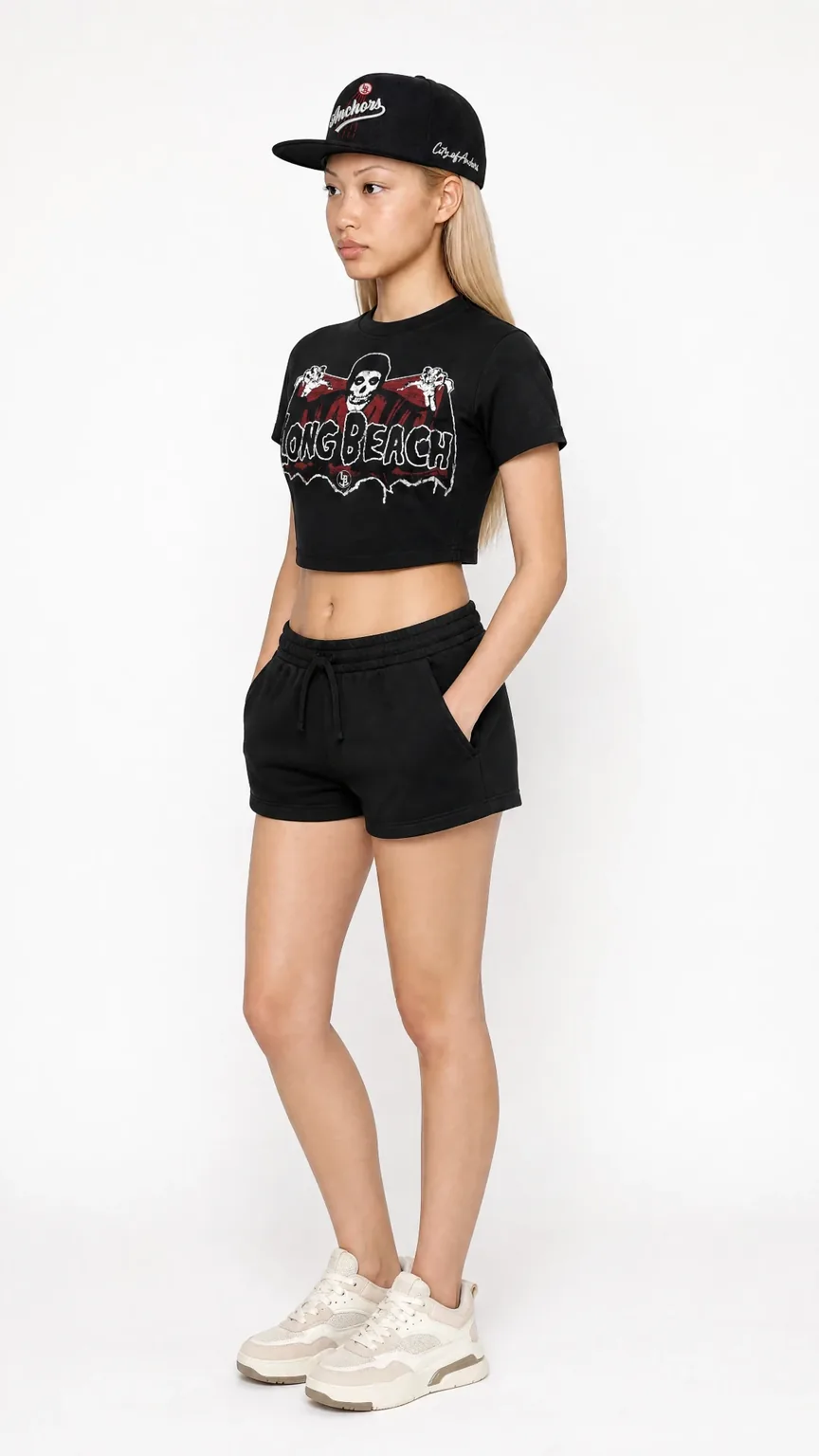
From your store to a model shot in four steps.
- 01Enter your storeType your website or Shopify address. We pull in your products — nothing to install, nothing to upload.Your website or Shopify address. Nothing to install.
- 02Pick your productsChoose up to three pieces to style together — a top, bottoms, a hat, a bag.Up to three pieces to style together.
- 03Choose a model and light17 faces and 8 studio lighting setups, from softbox to neon.17 faces, 8 lighting setups.
- 04Get your shotYour products on a model in minutes — no studio to book, no samples to ship.On a model in minutes. No studio, no samples.
Ordinary product photos in. A model shot out.
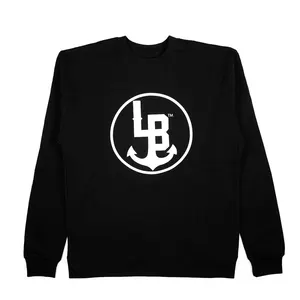
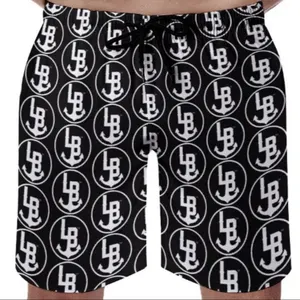
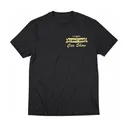
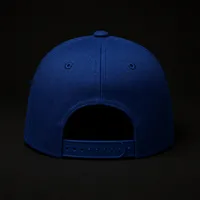
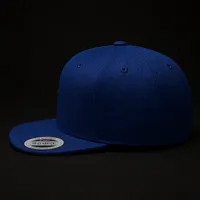
No flat lays, no ghost mannequins. These are Stay Anchored's own listing photos — a cap on a table, a tee on a person, a tote on the floor — and the shots POZR made from them.

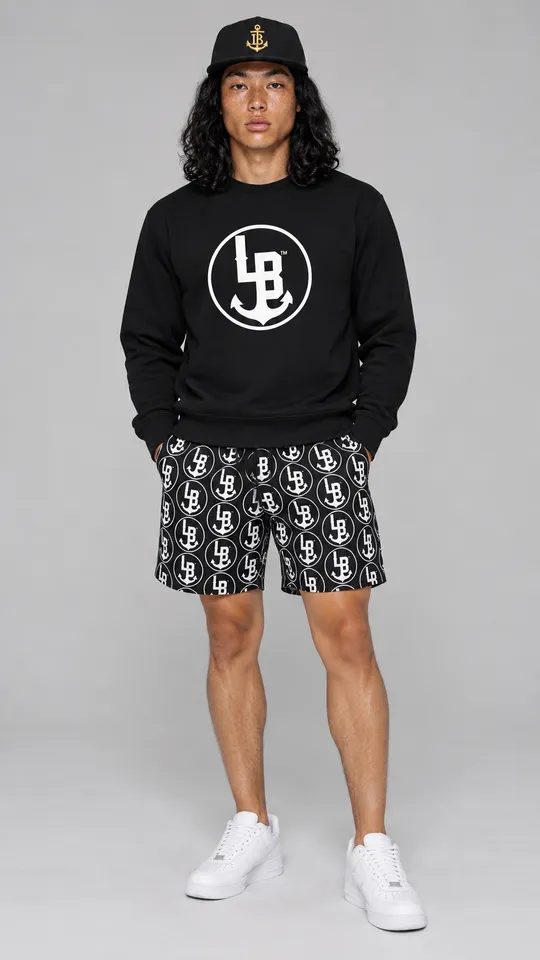
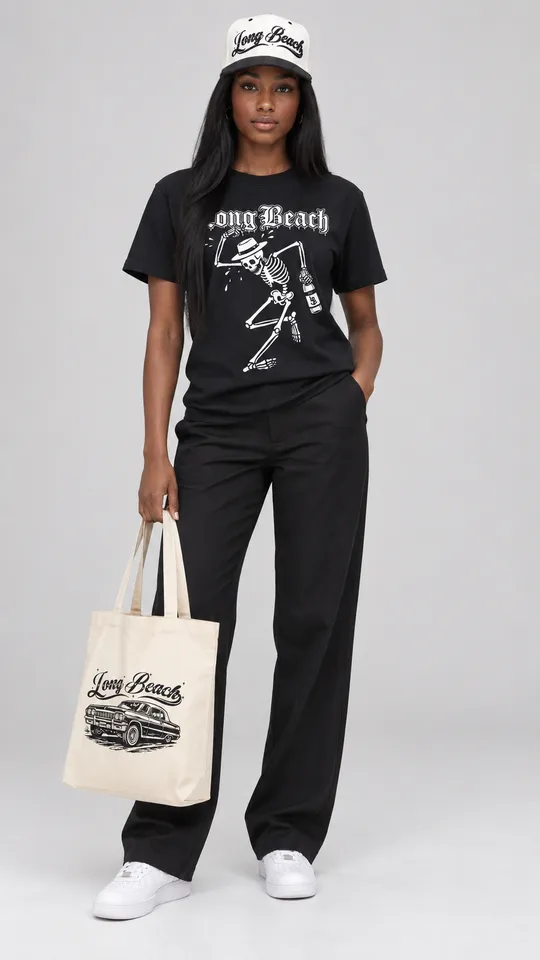
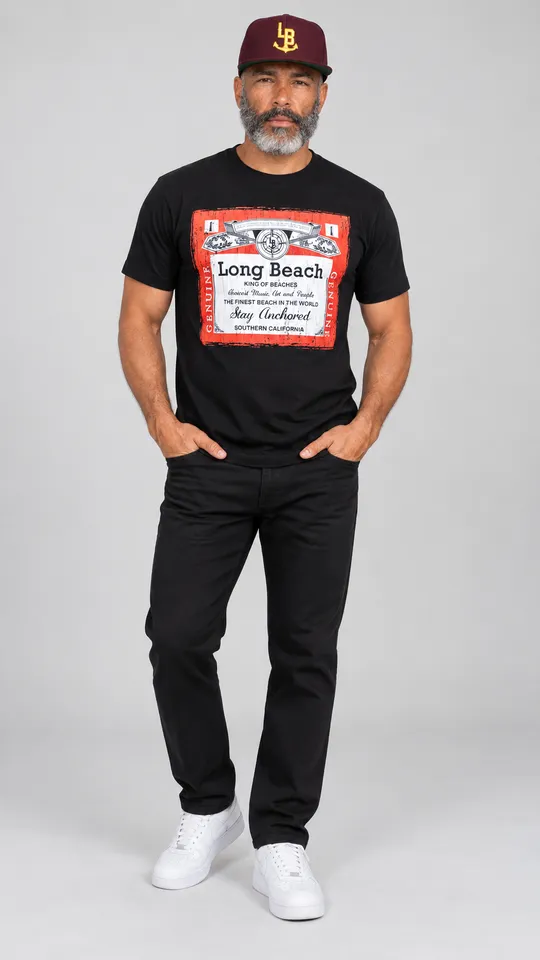
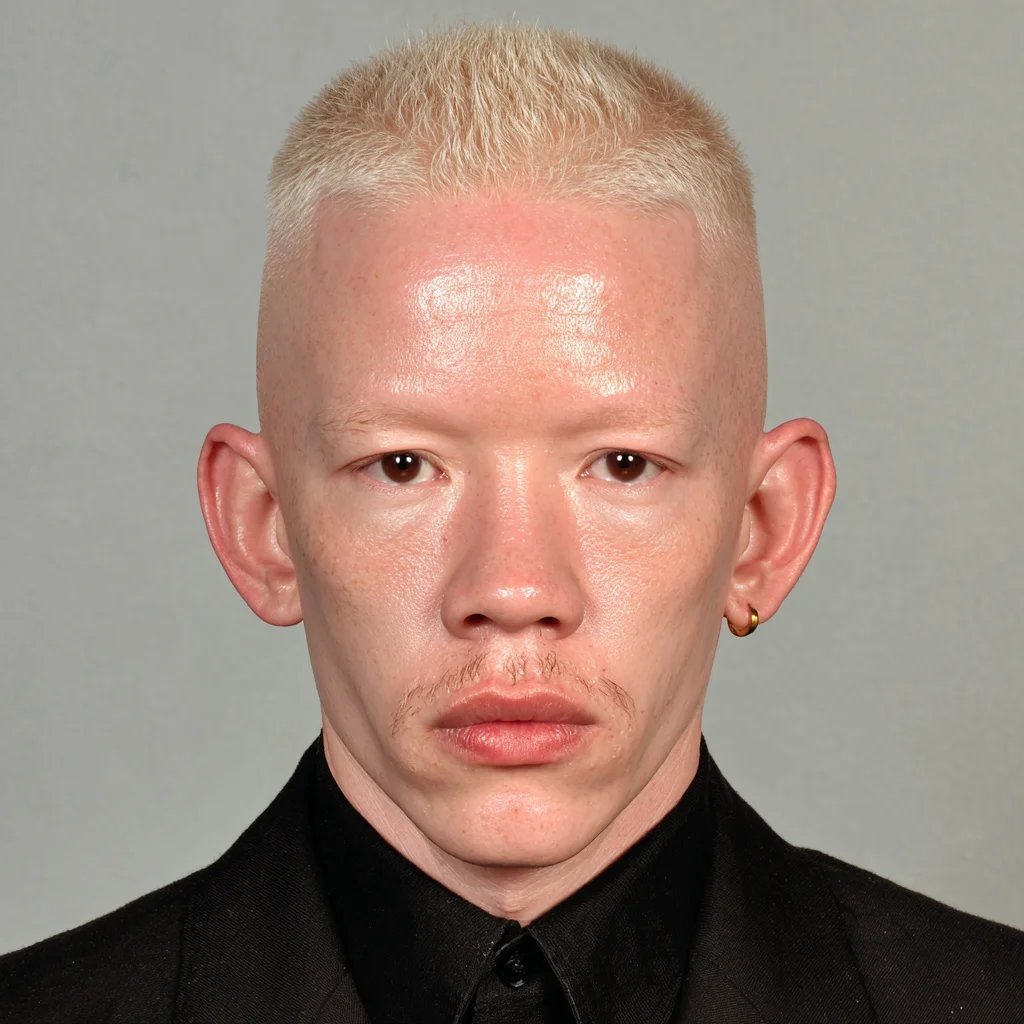
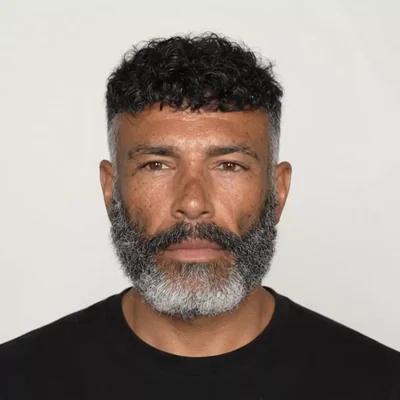
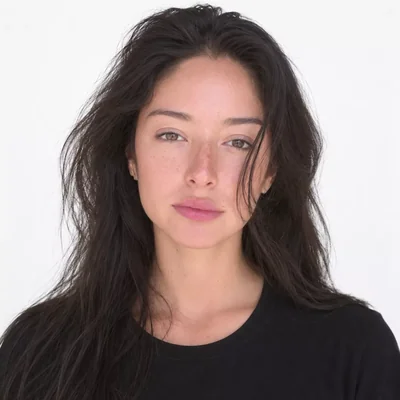
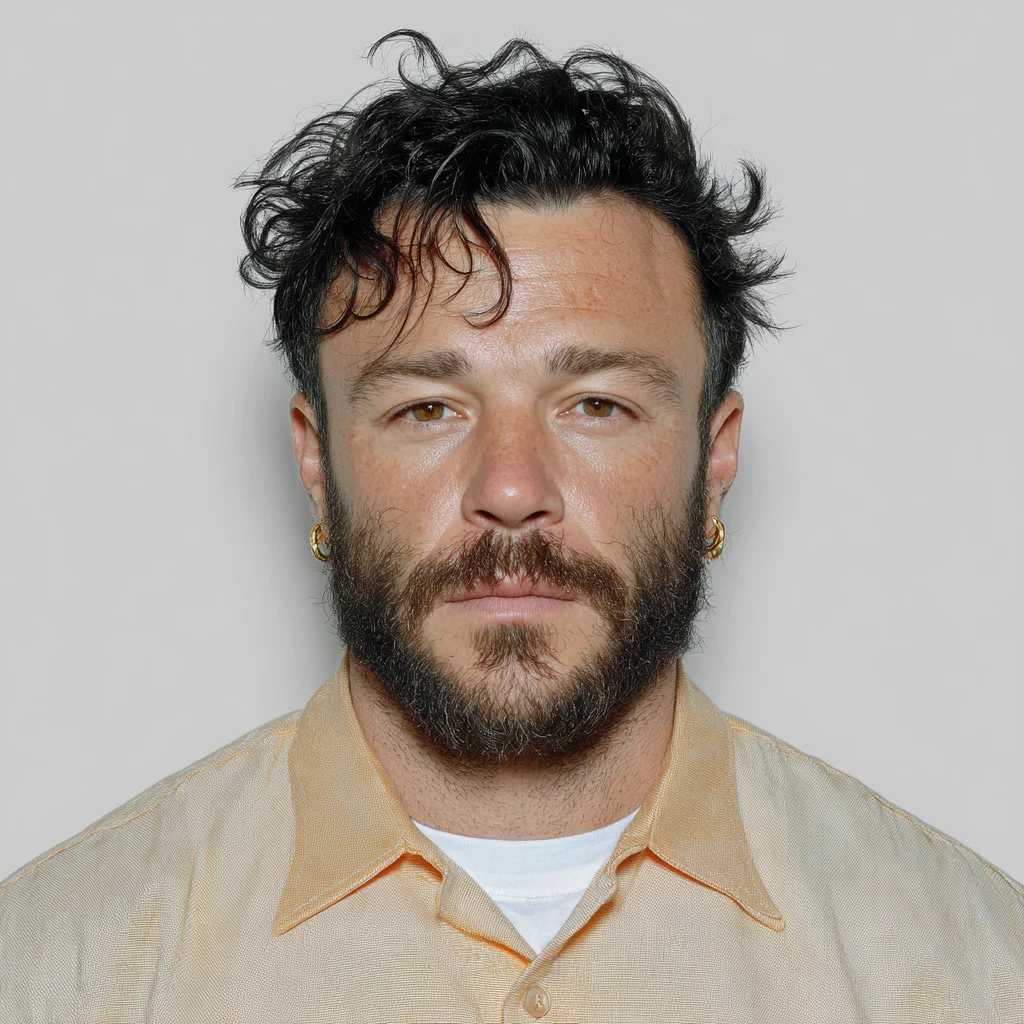
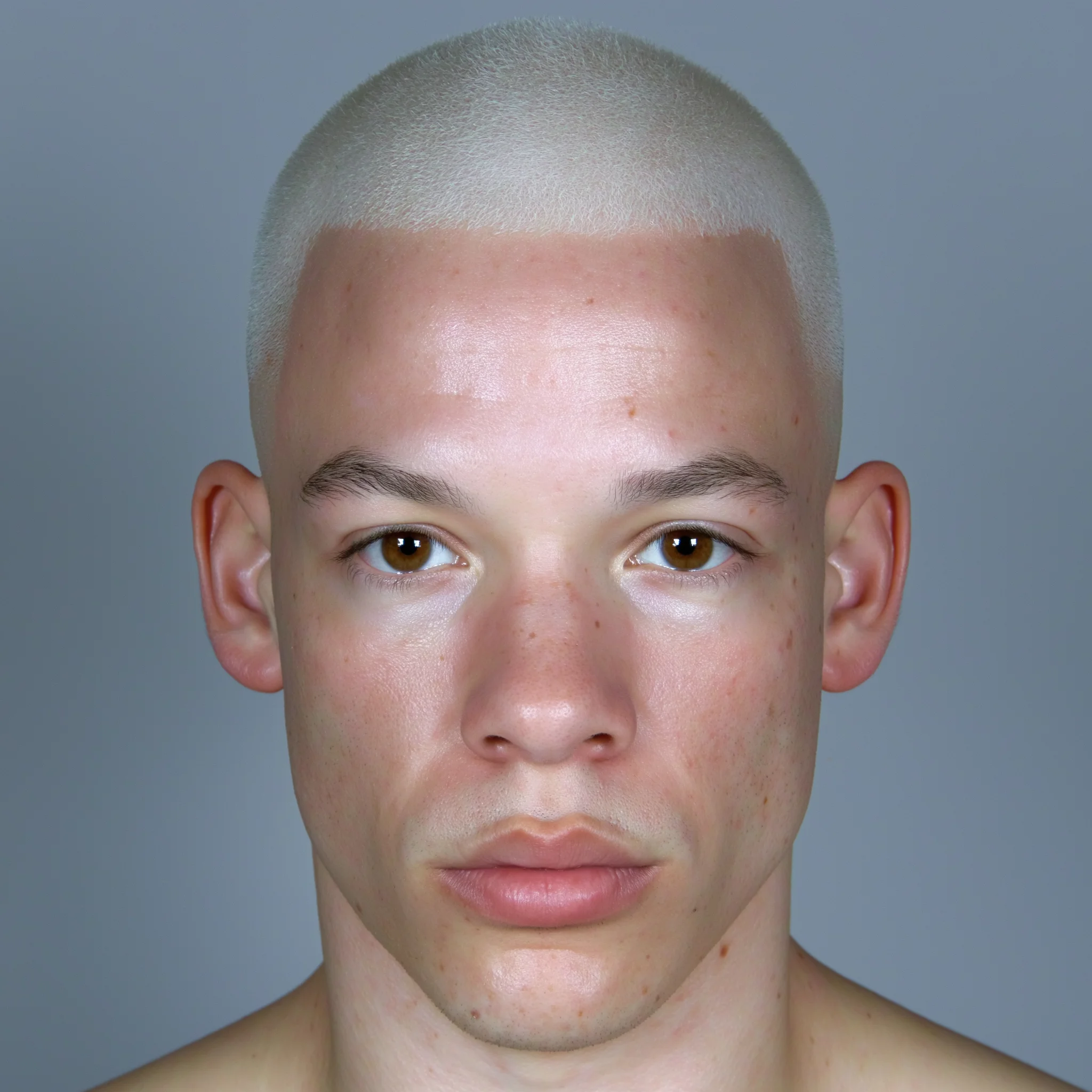
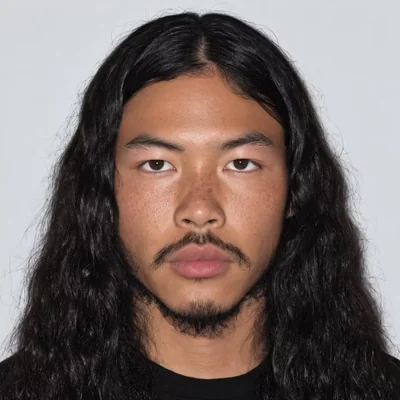
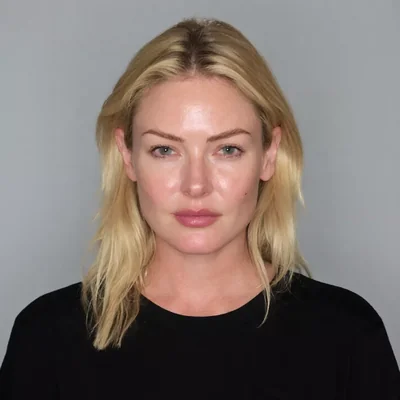
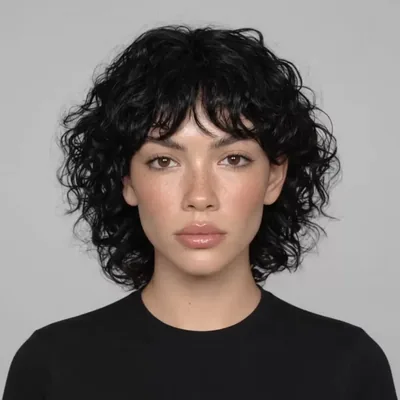
Pick a model.
Your products are next.
Every face here can wear anything in your catalog — any angle, any light, nothing to book. Choose one and we'll take you to your store.
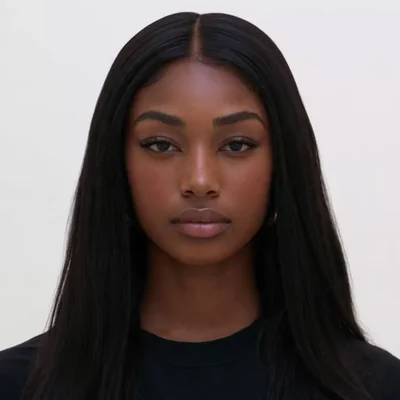
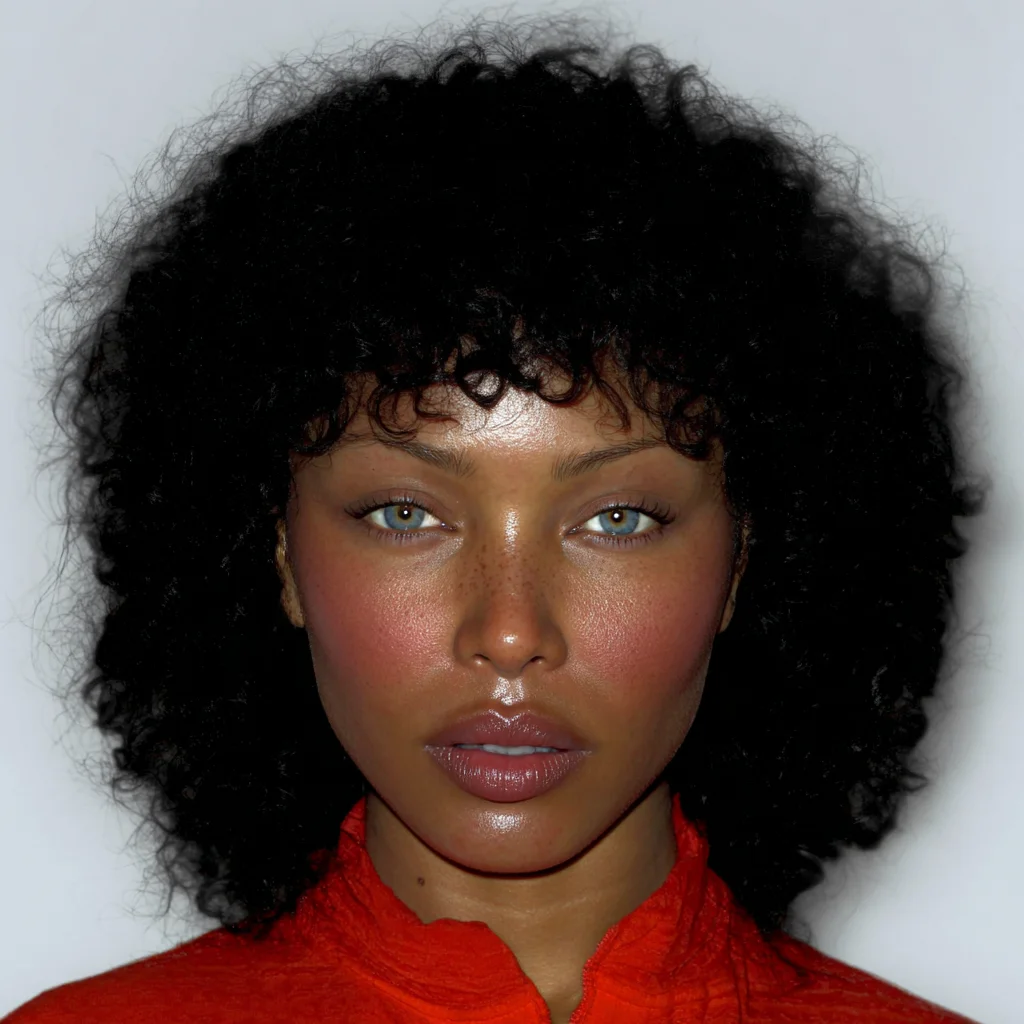
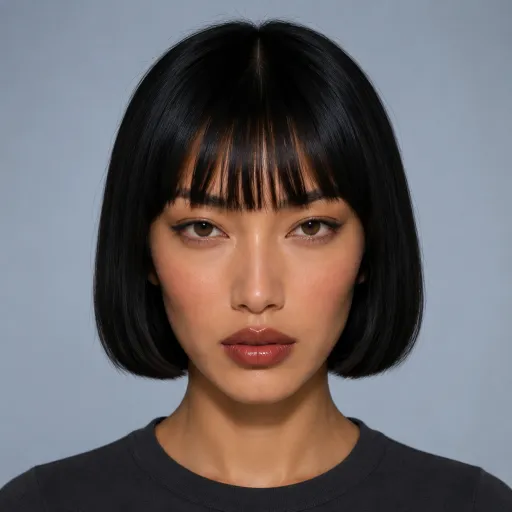
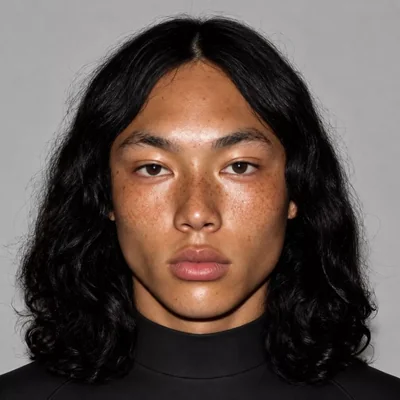
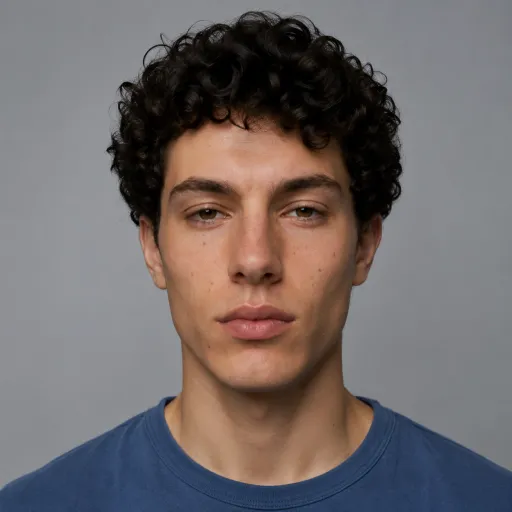
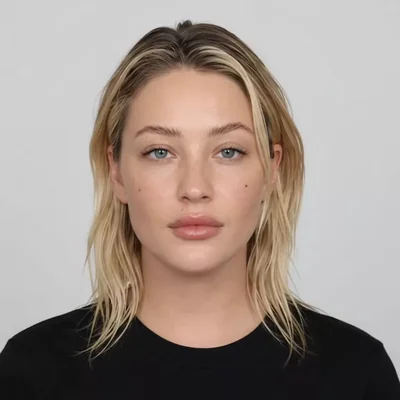
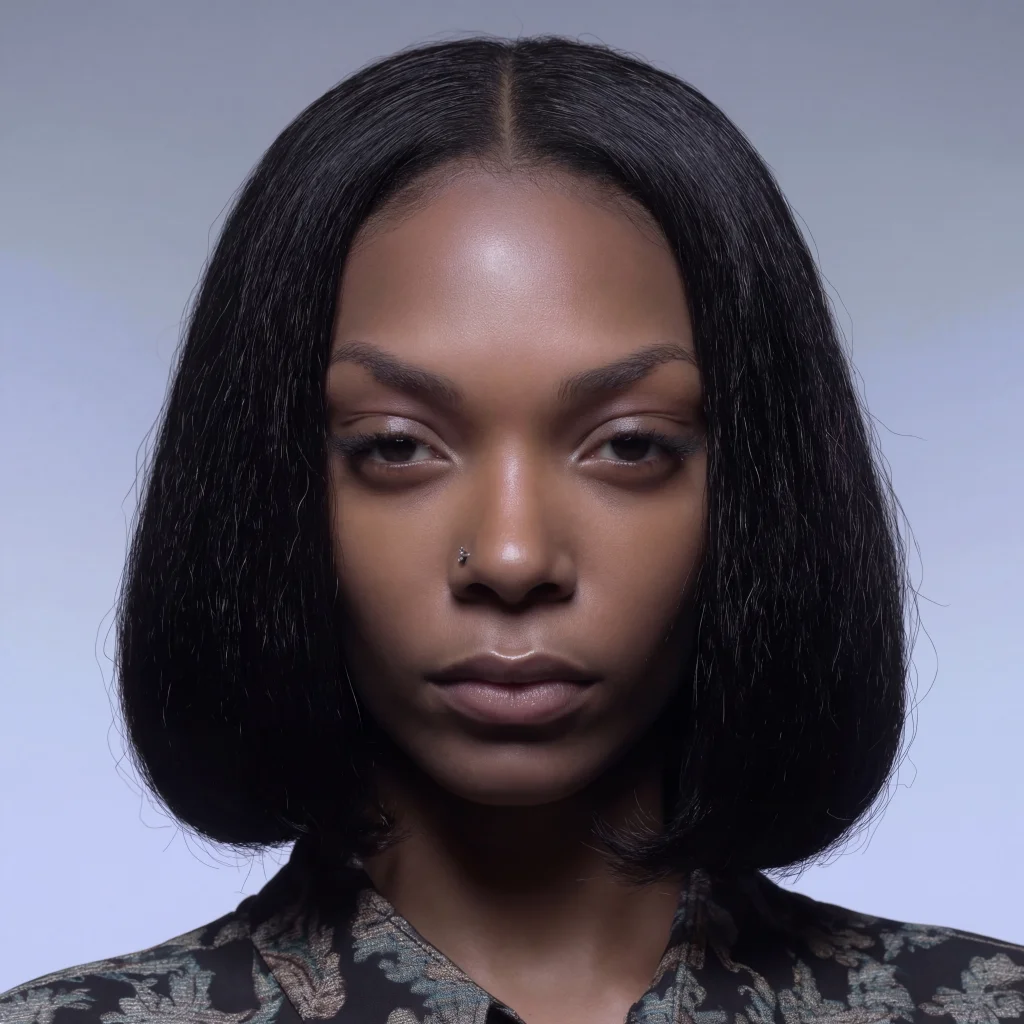
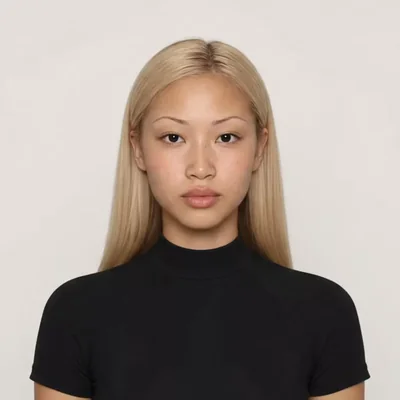
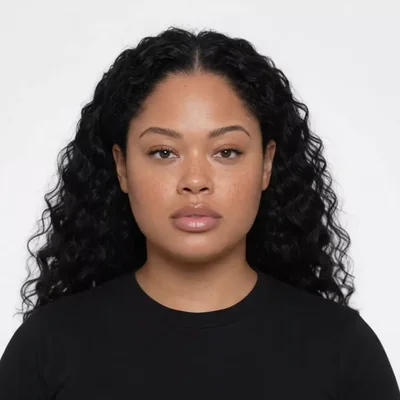
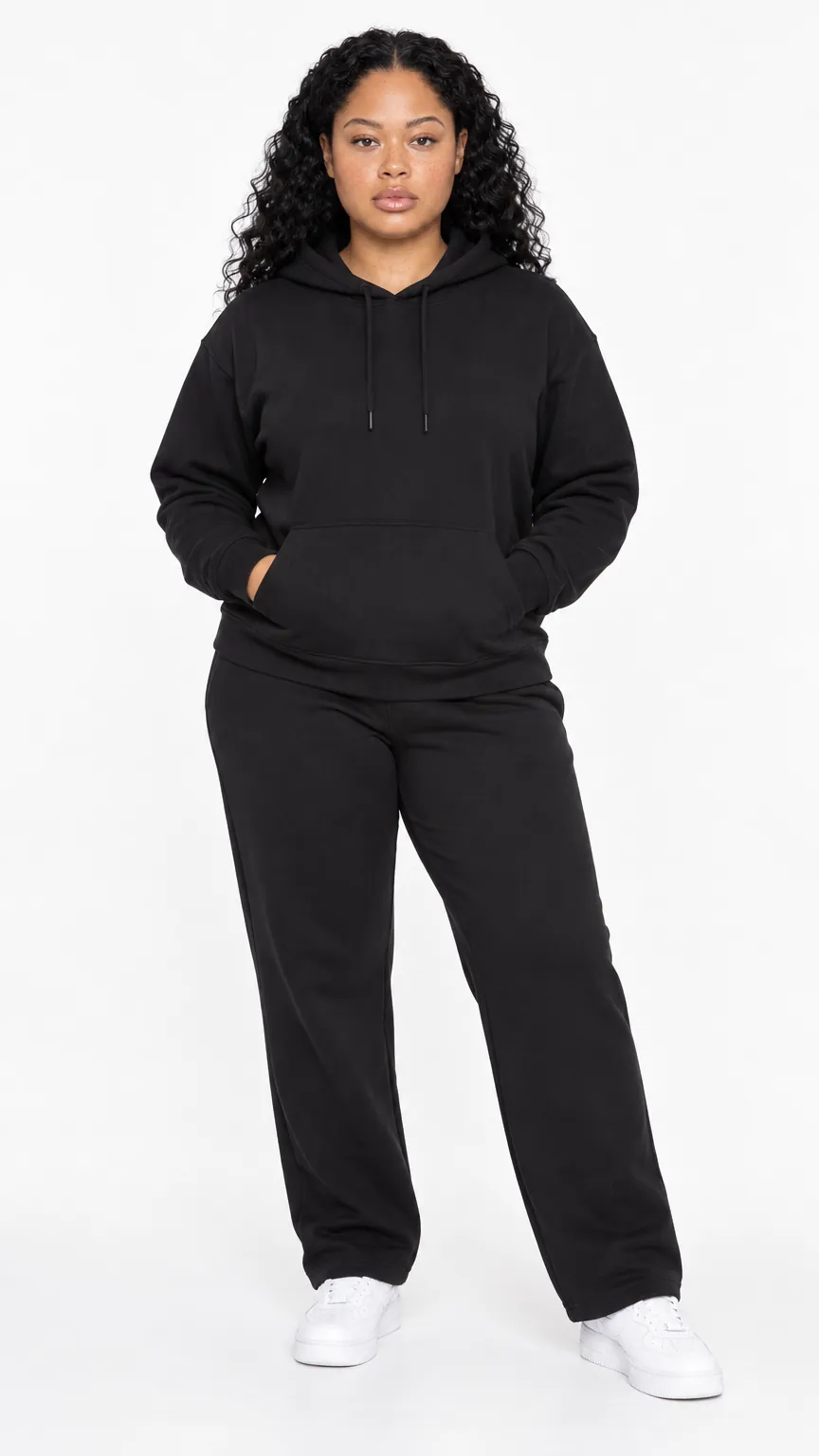
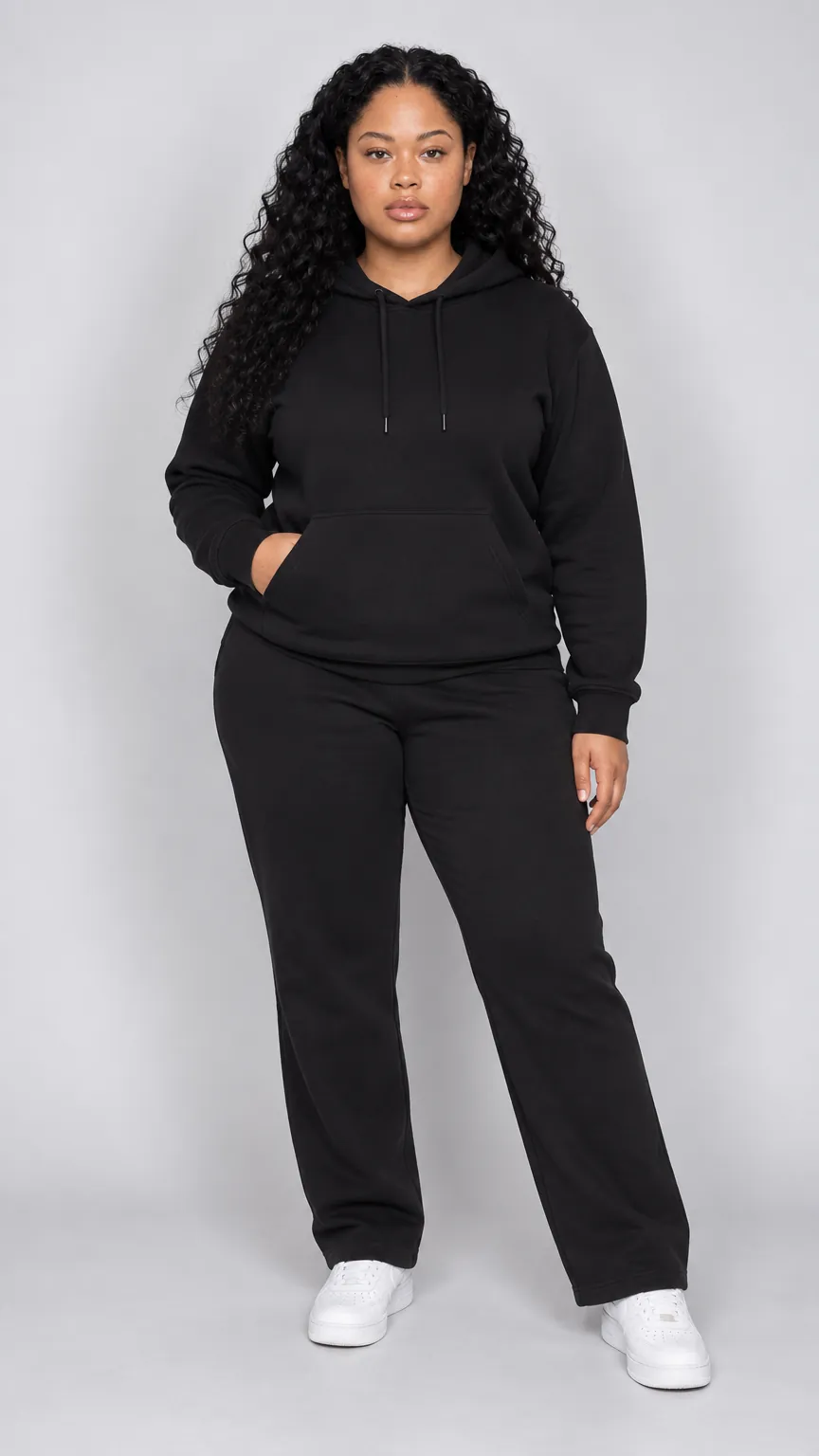
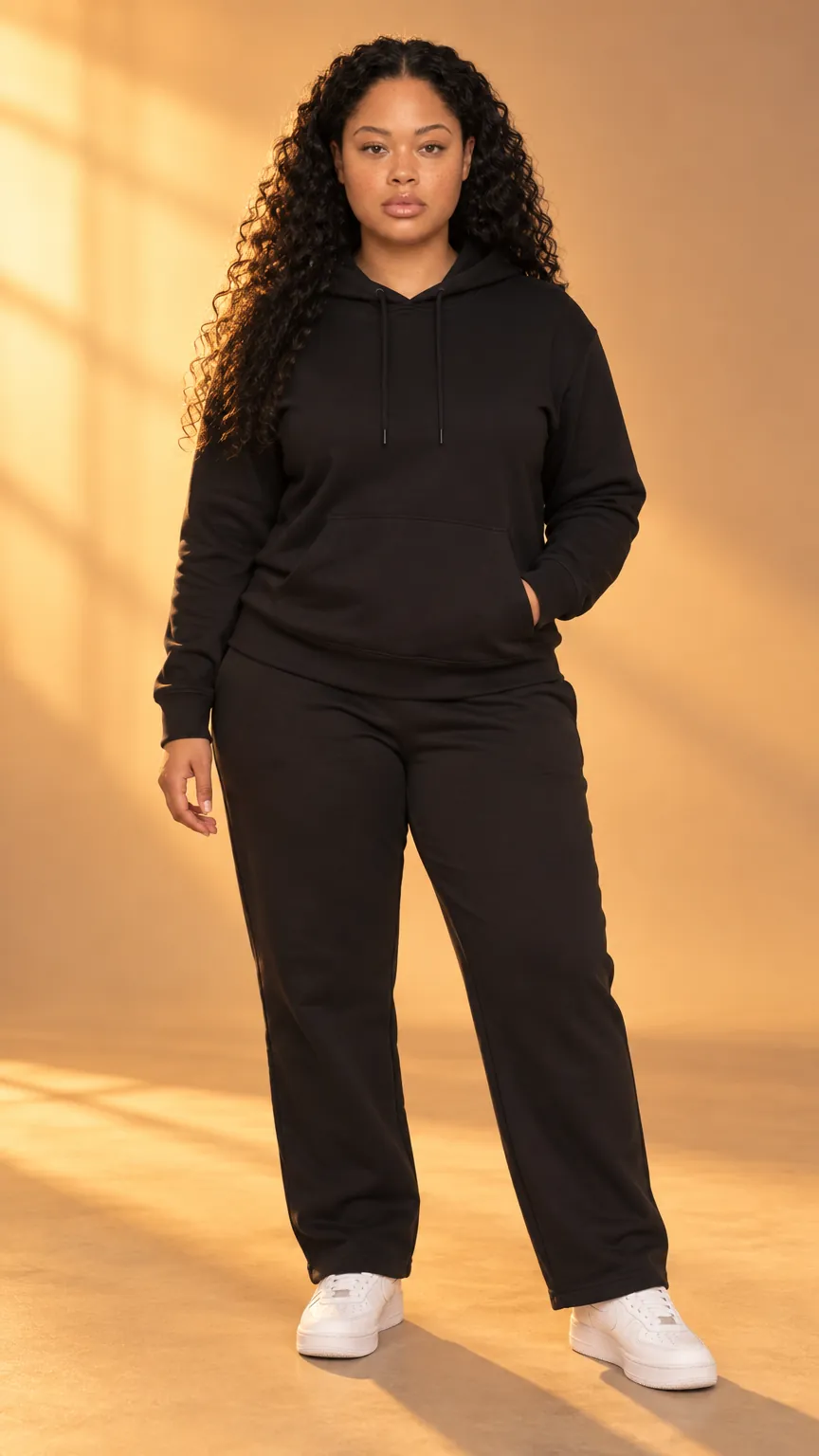
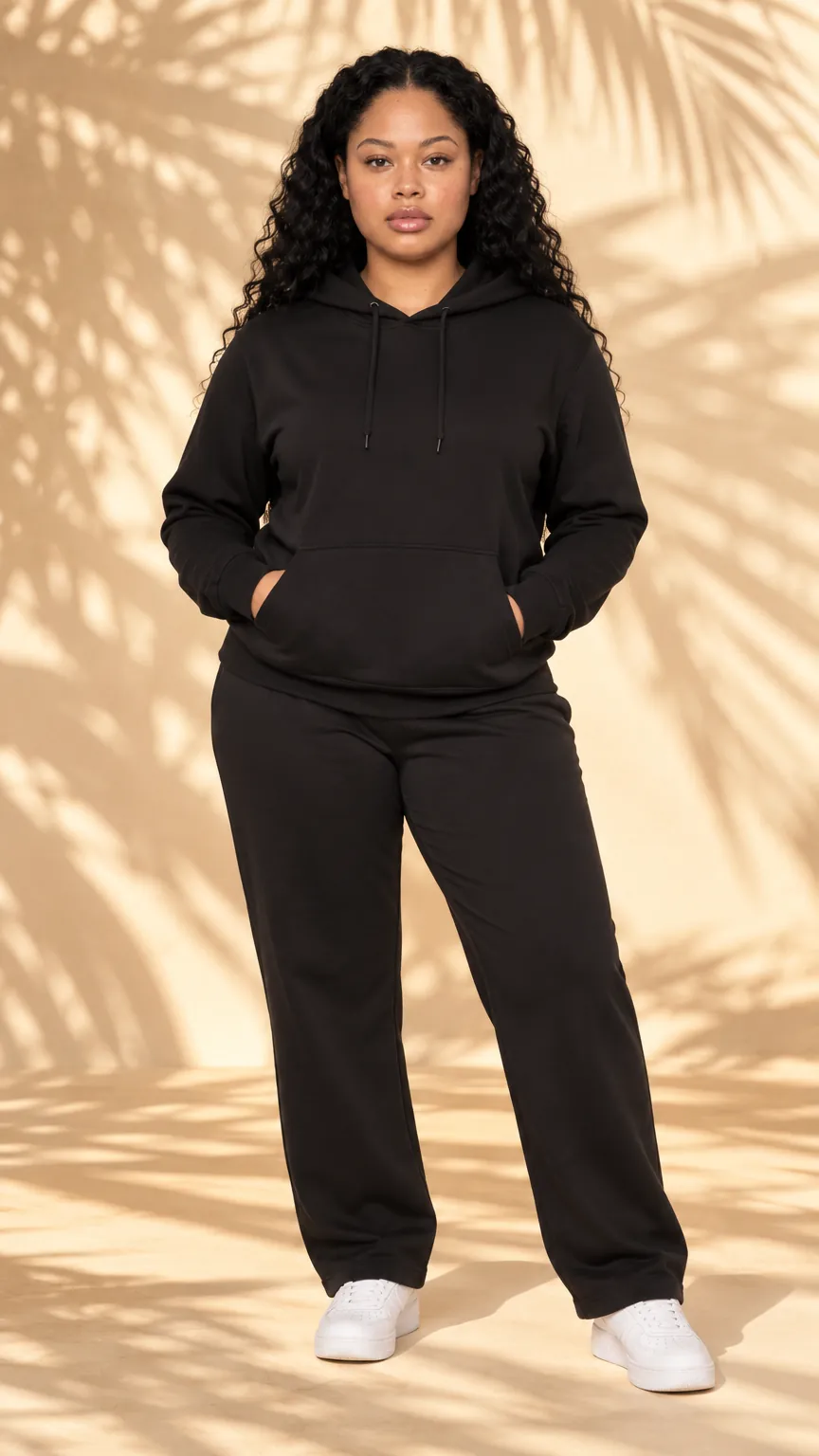
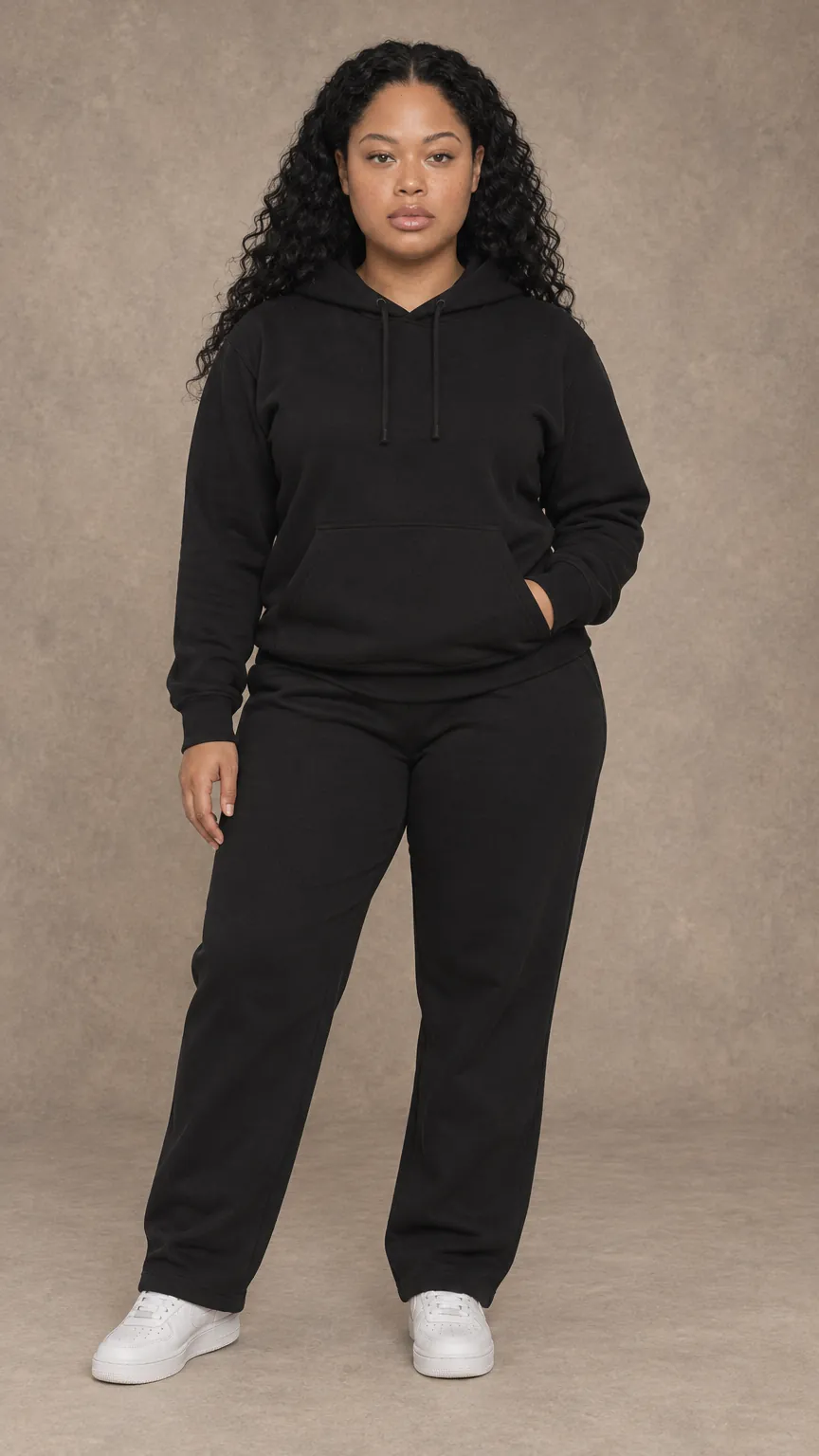
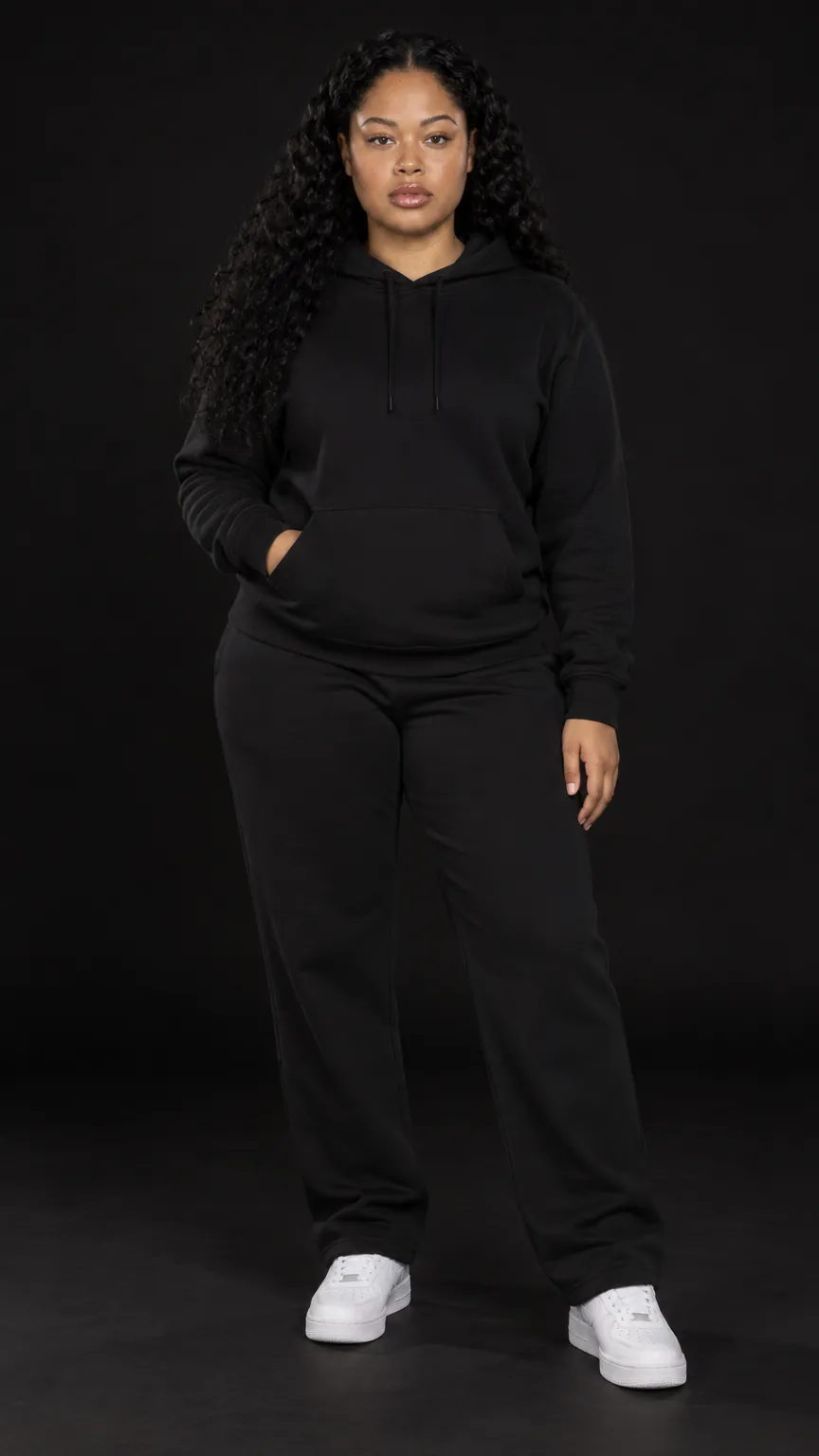
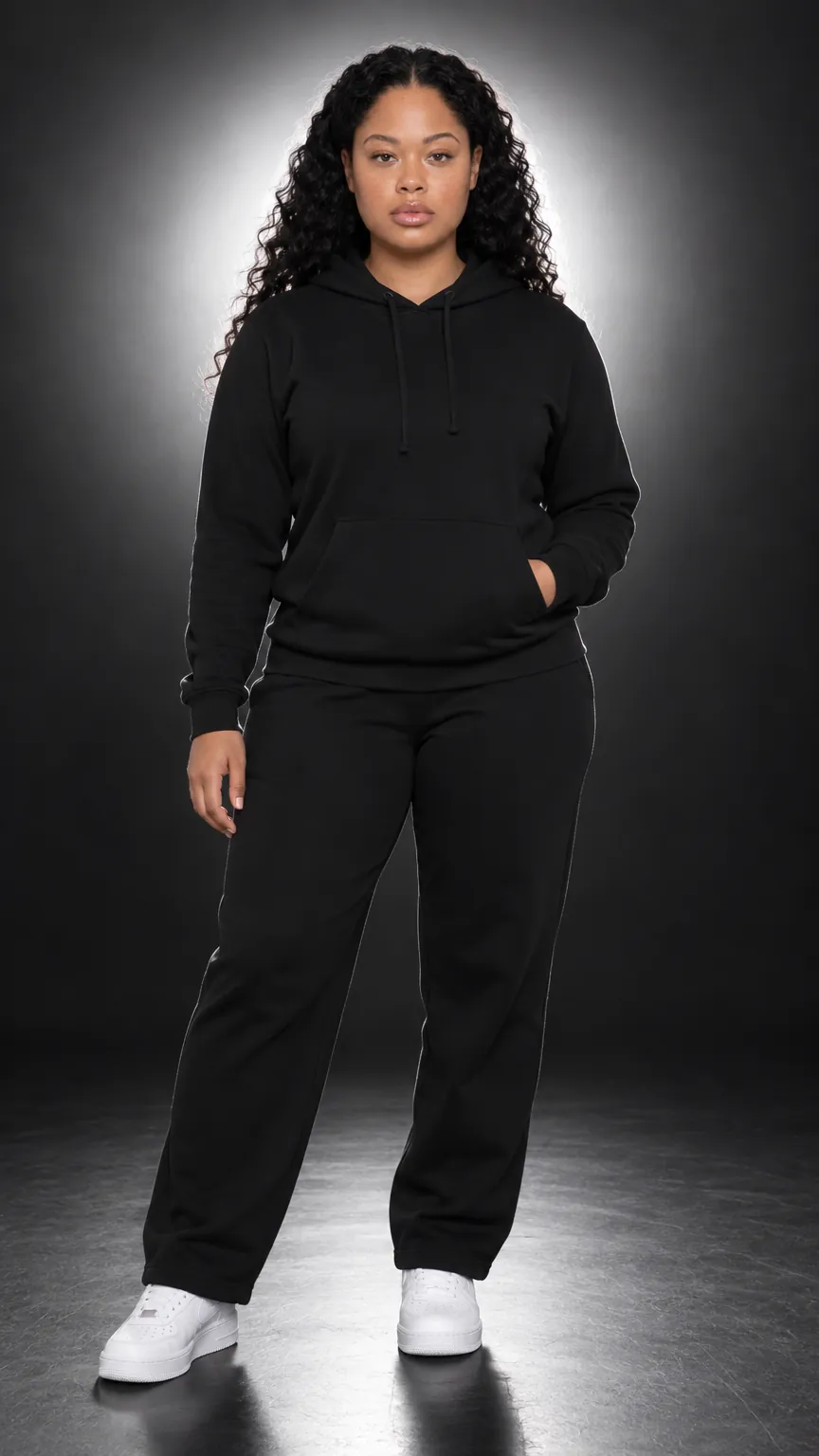
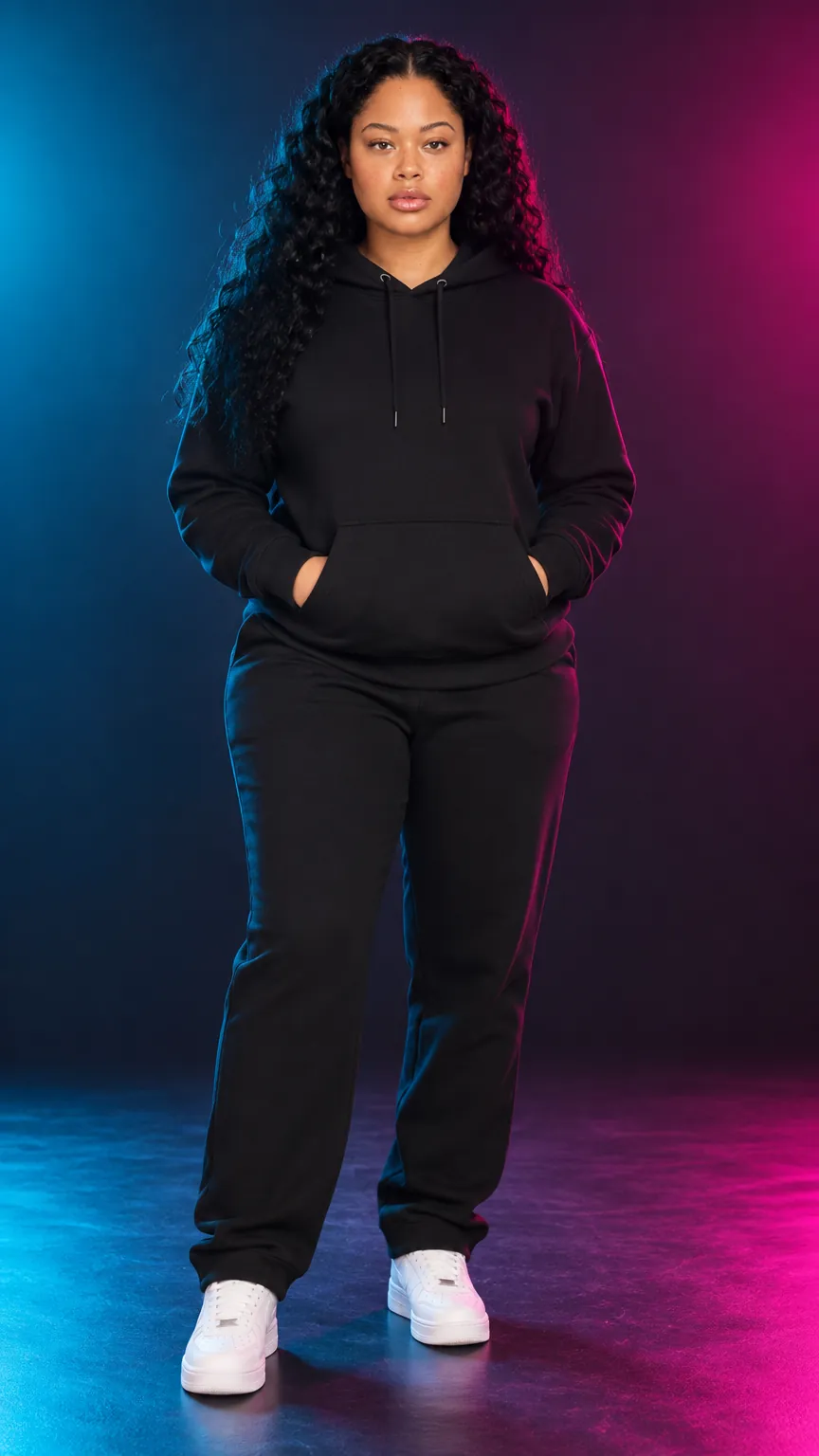
Studio Lighting
All 8 setups come with the free plan. Click through them on the same model in the same outfit, then shoot your own products in the one you like — before you install anything.
More than a photo. A studio in your admin.
Everything POZR does runs inside Shopify, on the products you already sell.
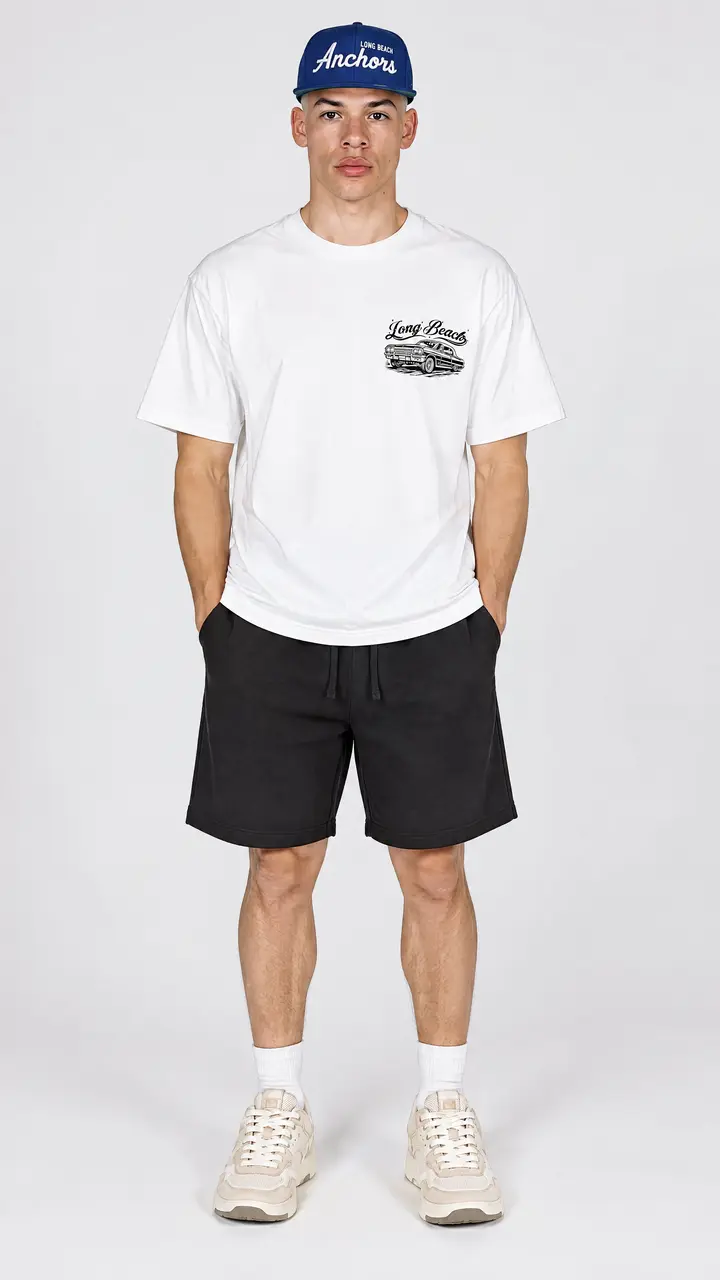

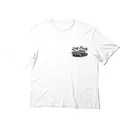
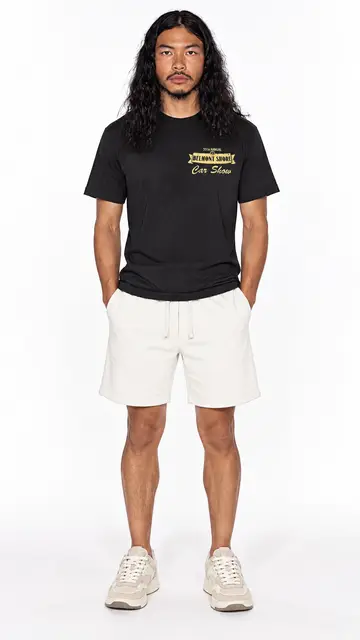
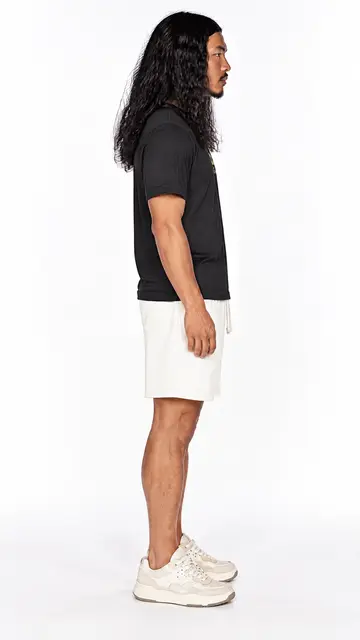
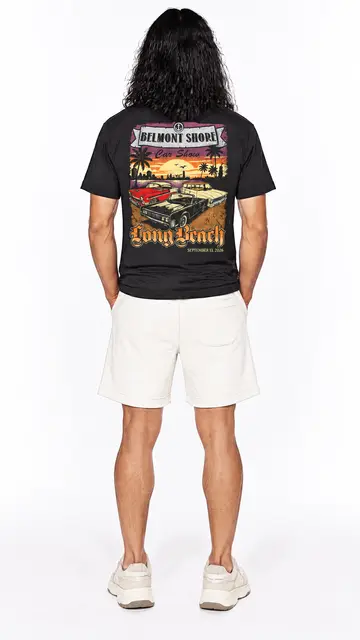
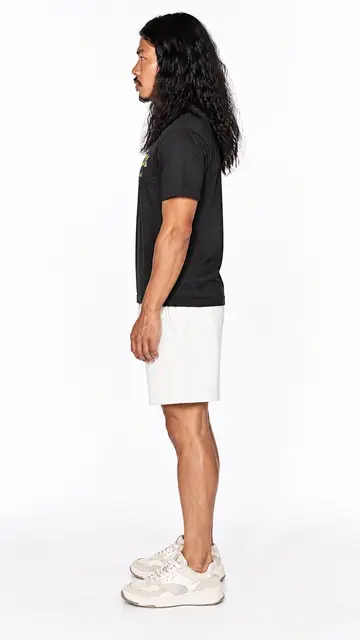

 Tee
Tee Car
Car



Questions, answered.
Do I need a Shopify store?
Yes. POZR is a Shopify app: it reads the products you already sell and can send finished shots straight back to your product pages.
Can I try it before installing?
Yes. Enter your store's address at the top of this page, pick up to three products and a model, and you'll get a free shot. Nothing to install or upload.
Will the model wear my actual products?
Every shot uses your own product photos as the reference, so prints, logos and colours carry over. Inside the app you can edit a shot or re-shoot it on another model or with other lighting.
What does it cost?
Trying it on this page is free. Inside the app there's a Free plan with 10 image credits a month, and paid plans add more credits, higher resolution and no watermark. Billing runs through your Shopify account, and current prices are on the Shopify App Store listing.
How do the shots get onto my store?
Send any shot to a product's image gallery in one click. On Pro you can also group shots into a Lookbook and place it anywhere in your theme with the POZR Lookbook block.
Skip the shoot. Keep the budget.
Put your products on a model in minutes — free, nothing to install.