AI clothing photography
Your clothing. On a model. Ready for your store.
Give your clothing catalog an on-model view without organizing a new shoot. POZR uses your existing product photos as references to create AI fashion images for your Shopify store.
Preview your products free →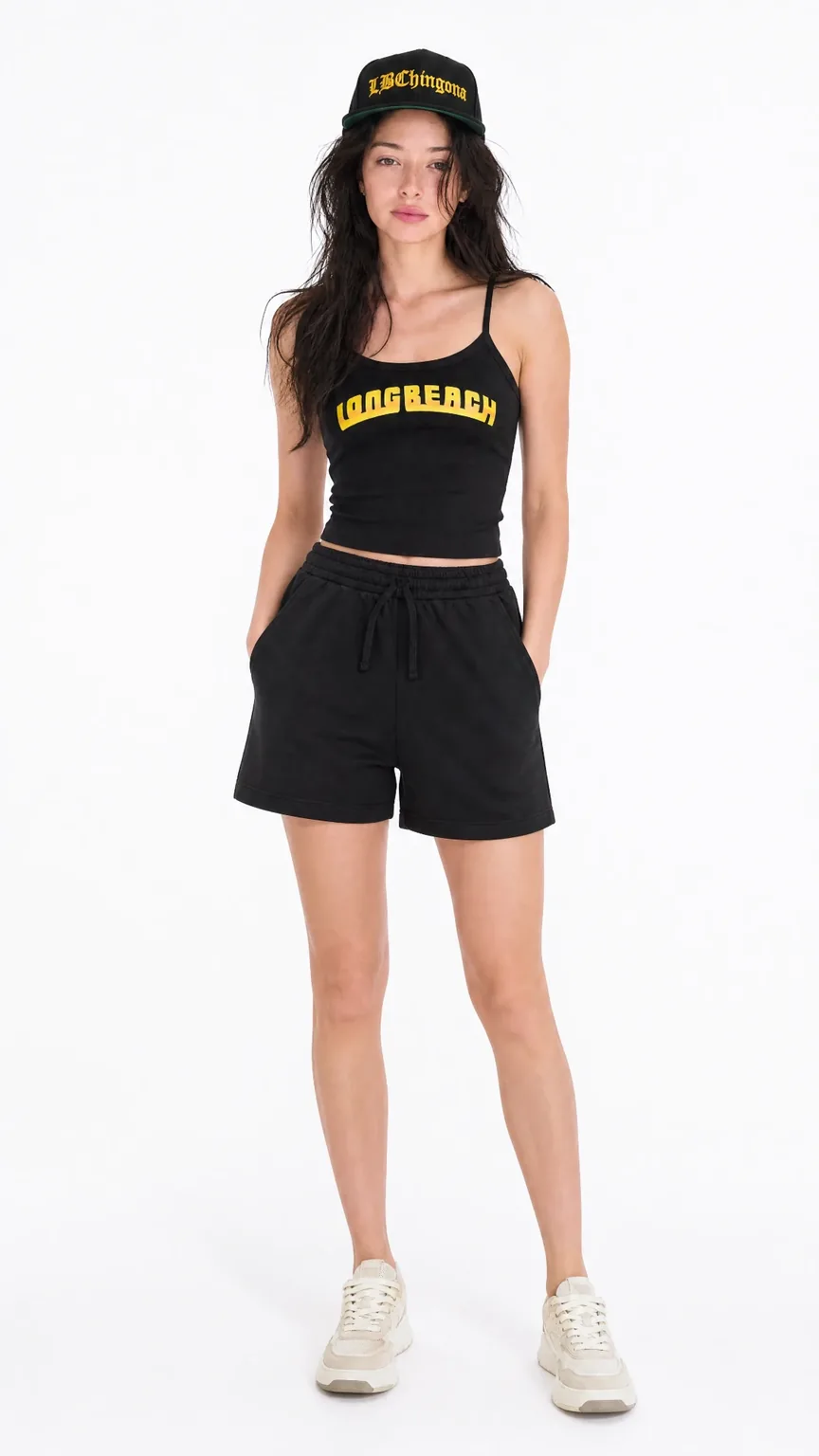
Start with the clothes you actually sell
Import products from Shopify instead of rebuilding your catalog. For the free preview, enter your store address and choose up to three pieces to style together. Use clear reference photos that show the garment’s shape, color, print, and construction.
Choose the look before you generate
Pick a model and a studio lighting setup. Inside the Shopify app, Studio also lets you work with outfit pieces, poses, and scenes. Build a direction for a collection, then use it across the images you create.
Create images for the places customers shop
Use on-model images alongside detail photos on product pages, bring outfits together in a lookbook, or create a new visual for a campaign. Finished shots can be pushed to Shopify product pages through Apply to Product.
Review the garment before publishing
AI images need a product check. Compare each result with the source photos, especially logos, text, colors, seams, and proportions. Keep original detail images where they help customers judge the product.
Questions about ai clothing photography
Can I try AI clothing photography before installing?
Yes. The homepage preview lets you use your store’s products without installing the app or entering a card. The full workspace runs inside Shopify.
Is this a virtual fitting tool?
POZR creates fashion visuals. An AI model image is not a measurement or a guarantee of how an item will fit a customer.